Linux Agent Installation Guide
After following the instructions in the Agent Installation overview. Navigate to the Client Onboarding and click on the Linux button. This is represented in the following image.
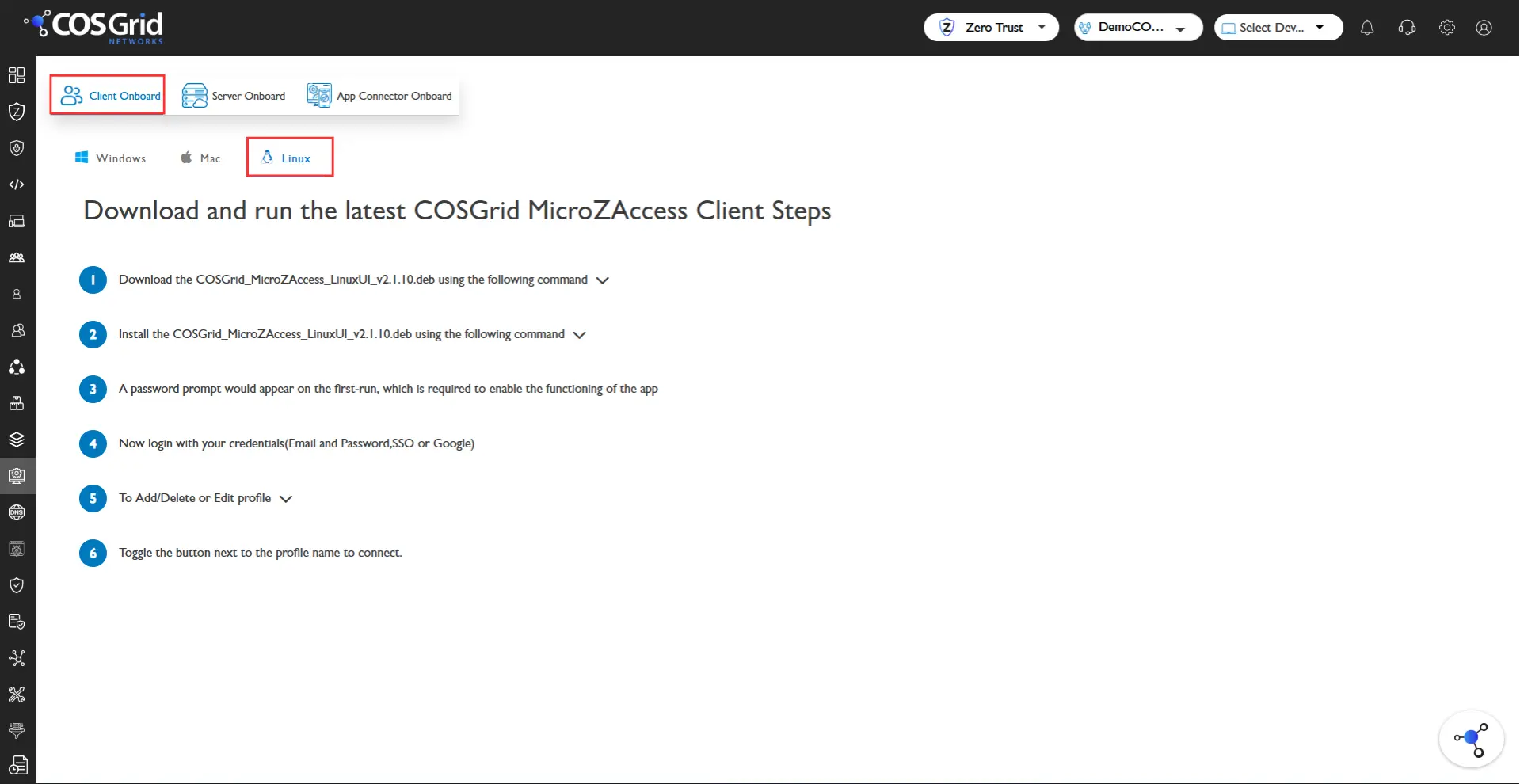
The installation instructions are given below in that page.
Note: Sometimes installing with root user can lead to issues, so make sure to install using Normal user.
After Installation:
You can run the application by opening the app or by using Terminal.
Navigate to the downloaded directory, by default it is stored in the Download directory within the system or enter the following command "cosgrid-microzaccess" to run the application via terminal.
After the application opens, click on Register and Enter the credentials.
After successful login the endpoint gets connected to the Orchestrator.