Agentless Domain Onboarding
Agentless Domain Onboarding defines how an internal web application is securely published through SwiftZAccess, enabling controlled and secure external access without deploying an agent on the target system.
Traffic Flow Overview
Client Request → Network → Proxy → Network → Backend Server
Downstream: Client → Proxy
Upstream: Proxy → Backend Server
Navigation: Sidebar → Organization → Agentless ZTNA
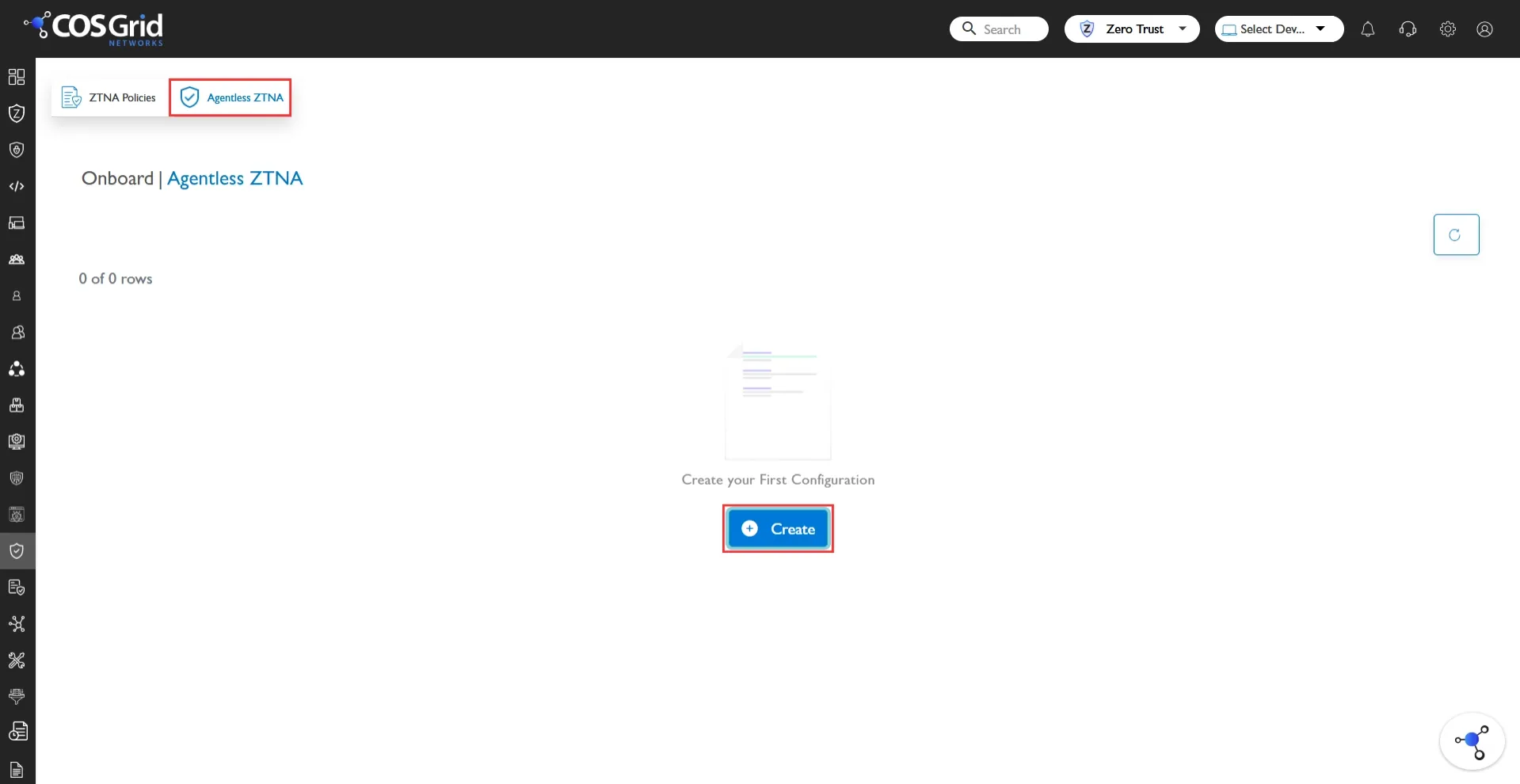
Onboarding Parameters
Name: A logical identifier used to recognize the onboarded domain within the system. This should be unique and meaningful for easy management.
Description: Optional field to provide additional context or notes about the domain.
Useful for administrative clarity and documentation.Domain: Specify the domain name without protocol (http/https) and without a trailing slash.
Example:Original URL: https://www.domain.com/
Enter: www.domain.com
Port: Defines the port on which the application is running.
HTTPS (default): 443
HTTP (default): 80
Custom Applications: Specify the required port.
Upstream Scheme: Defines how the proxy communicates with the backend server.
Options:None: Plain HTTP communication
TLS: Secure HTTPS communication.
If TLS is selected:
Provide upstream server name
Configure certificate path
Downstream Schema: Defines how end-users access the application.
Recommended: HTTPS
Requirements:
TLS version configuration
Domain certificate path
Supports:
Multiple SNI (Server Name Indication) entries
Secure certificate binding
WebSocket Configuration: If the application uses WebSockets:
Enable WebSocket support
Specify the WebSocket path (e.g., /ws)
Configure required headers
Health Check: Health checks ensure backend availability and reliability.
Enable health check
Provide health-check API endpoint
Behavior: If the backend is unavailable, the proxy can respond accordingly to prevent failed routing.
Static Assets Optimization: Improves performance by bypassing proxy validation for static content.
Enable static asset bypass
Define asset paths (e.g., /images, /css, /js)
Benefit: Reduces proxy overhead and improves response time.
Listening Configuration: Defines how the proxy listens for incoming requests.
IP Address: Typically 0.0.0.0 (listens on all network interfaces)
Port: Should match the configured application port
Other Informations
Upstream (Backend Configuration): Defines the backend server details where traffic is forwarded.
Backend Server IP
Backend Server Port
CORS Configuration: Required if the backend enforces Cross-Origin Resource Sharing (CORS) policies.
Enable CORS
Configure:
Allowed Origins
Allowed Headers
Allowed Methods
Deployment Modes: SwiftZAccess supports multiple deployment models based on infrastructure and security requirements:
Cloud-Based Proxy: A fully managed proxy hosted in the cloud that handles secure traffic routing.
Required Configuration:Domain
Port
Server Names
Downstream Scheme
Upstream Scheme
Public Server IP & Port
TLS Certificates
(Optional) WebSocket / CORS configuration
Edge-Based (Without HTTPS Handling): Proxy is deployed at the edge without TLS termination.
Required Configuration:
Domain
Port
Listening IP & Port
Upstream (Backend) IP & Port
Note: TLS configuration is not required in this mode.
Edge-Based (With HTTPS Handling): Proxy is deployed at the edge with full TLS handling.
Required ConfigurationDomain
Port
Listening IP & Port
TLS Certificates
Upstream Configuration
(Optional) WebSocket / CORS configuration
Important Notes
All required details must be provided by the domain owner
Ensure correct certificate paths for HTTPS configurations
Misconfiguration in upstream/downstream may break connectivity
Always validate backend accessibility before onboarding
Domain onboarding in SwiftZAccess allows secure and flexible application exposure through a proxy-based architecture. By correctly configuring domain parameters, deployment mode, and traffic flow settings, organizations can ensure secure, high-performance, and policy-driven access to their applications.